XTRAC User Guide

|
XTRAC User Guide |
|
After logging in to XTRAC, a simple search field is displayed similar to the one shown below:
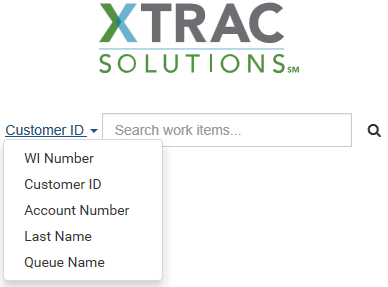
To search for work items
| 1. | Select what data type you want to search against. |
| 2. | In the Search field, enter a text string. |
For example, if you are searching against an account number, enter all or part of the account number in the Search field.
| 3. | Click  or press ENTER. or press ENTER. |
The Search Results page opens listing the work items that met your search criteria.
Note: A simple search field is displayed in the header above the Search Results, allowing you to perform a new search at any time.
XTRAC Community |

|